Step 1: Log in to your panel with your credentials.

Enter your login email and password and click on the login button.
Step 2: Click on the branches from the sidebar.
Step 3: Now click on the Add branch button.
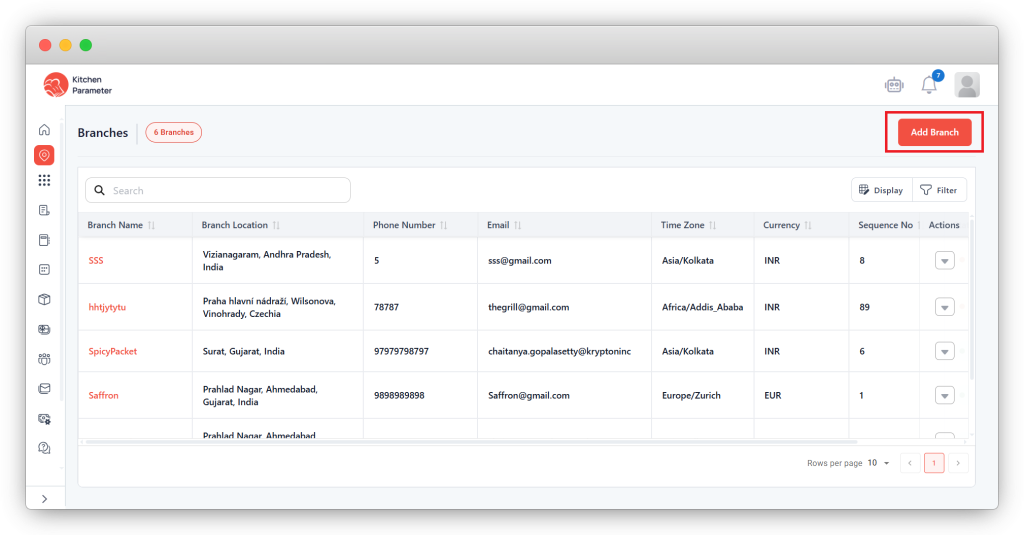
This is the leading and significant step in setting the location.
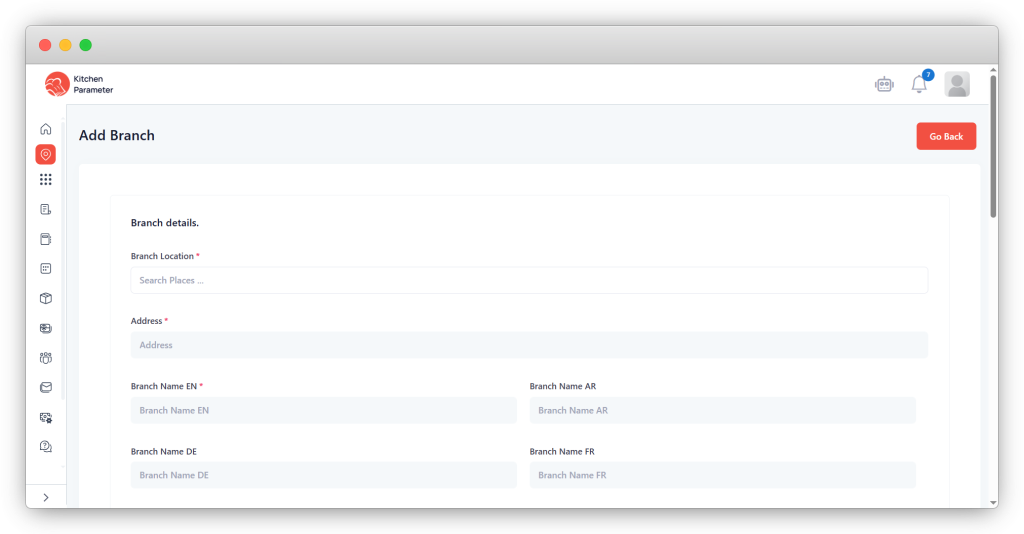
Step 4: Enter all the mandatory details required to create the branch.
- Address
- Branch email
- VAT Number.
- Manager email.
- Branch time zone &
- Branch currency.
- Terms and conditions document
Step 5: After entering all the mandatory details, click the save button.