Step 1: Login to your panel with your credentials.

Enter your login email and password and click on the login button.
Step 2: After logging in successfully, click on the settings option from the sidebar.
Step 3: Then click on the Group setup option inside the settings.

Step 4: After clicking on the group setup, enter the details
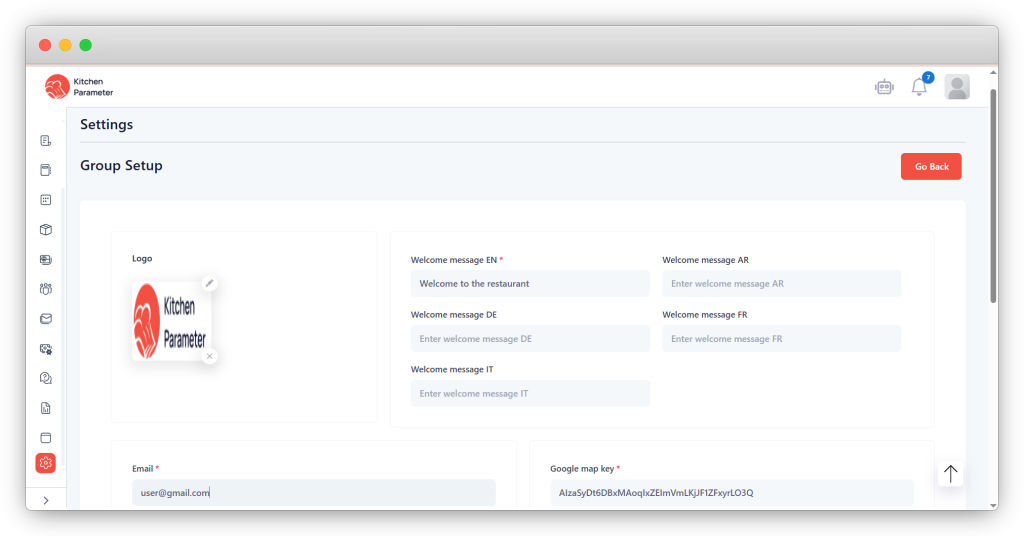
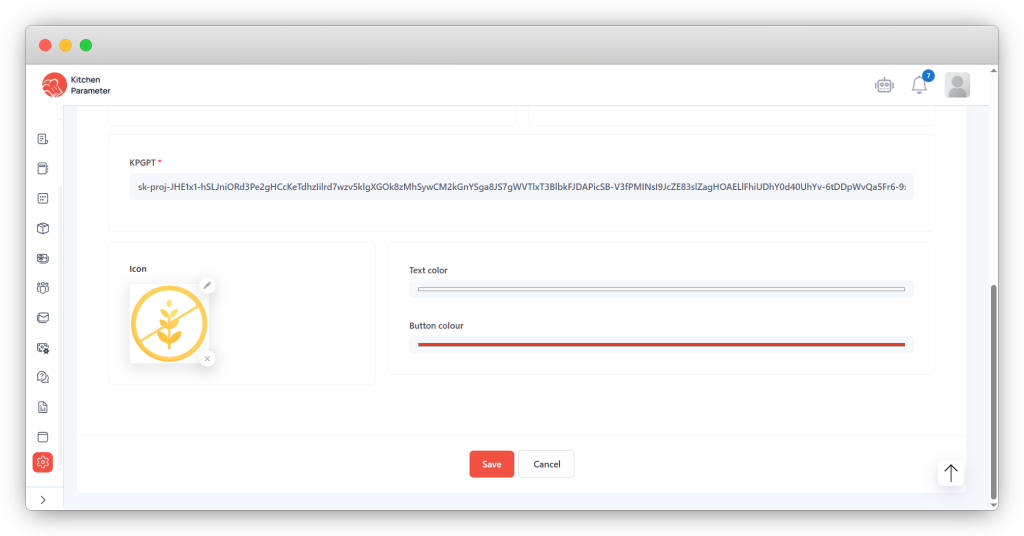
- Setup the
- Welcome message
- Text colors to set for customer panel
- Button and
- Enter the google map api key
- Enter the kpgpt key
- Finally, click on the save button to save the data.