Step 1: Log in to your panel with your credentials.

Enter your login email and password and click on the login button.
Step 2: After logging in successfully, click on the settings option from the sidebar.
Step 3: Then click on the Group setup option inside the settings.
Step 4: Then follow the below steps
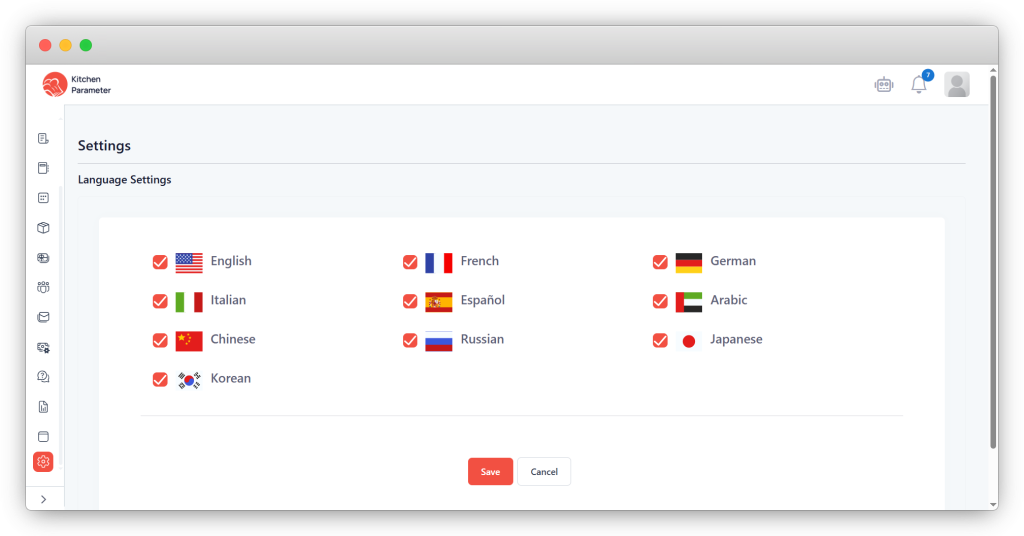
- After selecting, click on the save button.
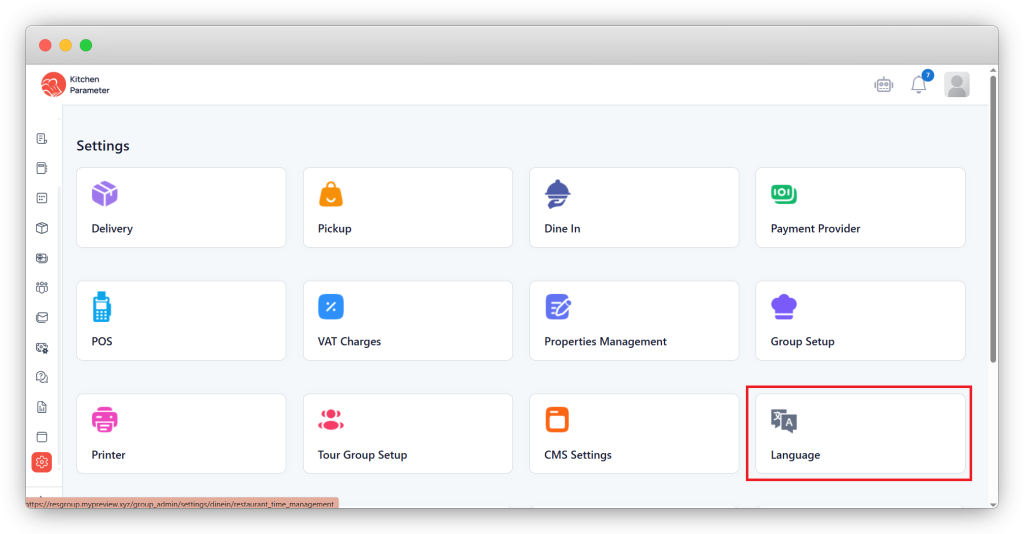
- Click on the language inside the settings.
- Select whichever languages are required for the guests.