Step 1: Log in to the panel
Step 2: Click on “Branches” inside the sidebar.
Step 3: Click on the “Branch name” to go inside the branches.
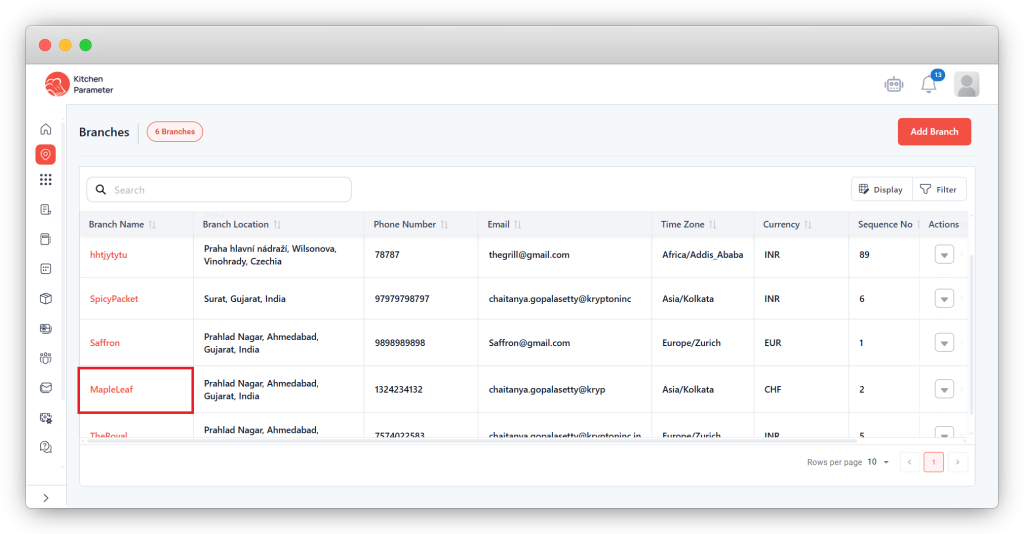
Step 4: Click on the “Area list” bar.
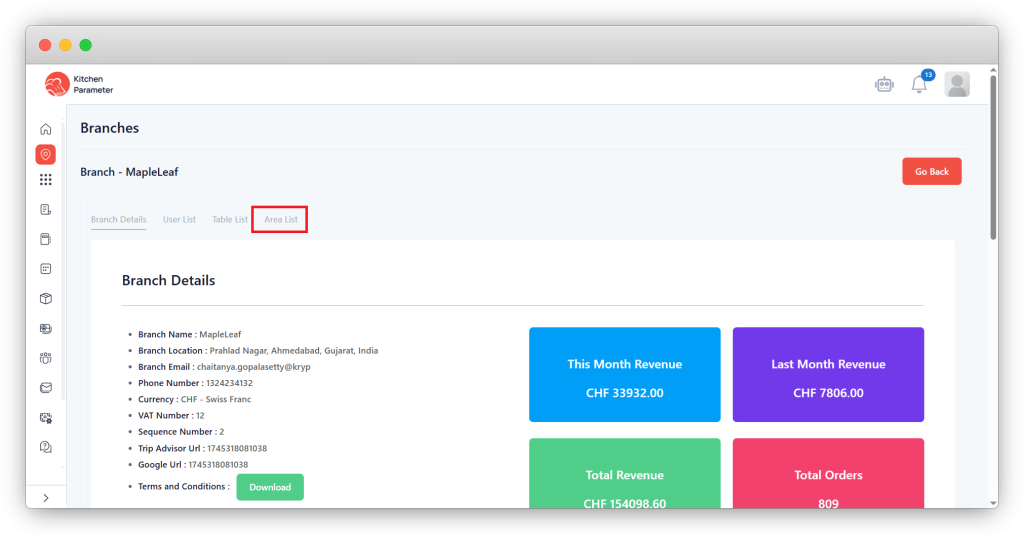
Step 5: Click on the “Create area” button.
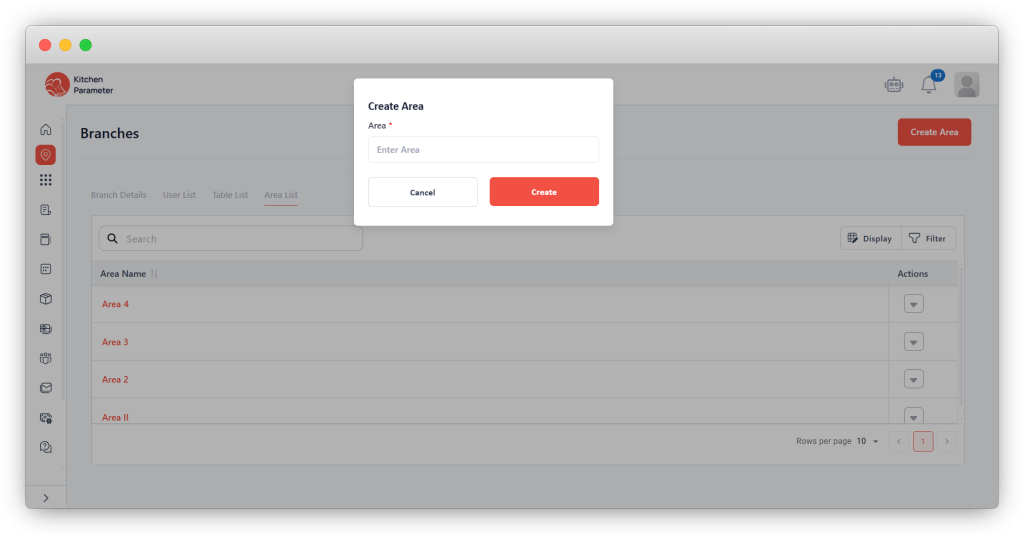
Step 6: Enter the “Name” of the area. Inside the pop-up.
Step 7: Click on the “Create” button.
Step 8: After creating the “Area” successfully. Click on the Table list tab.
Step 9: Click on the “Create table” button. Enter the value “Number of tables” you want to create.
Step 10: Click on the “Create” button.
Step 11: Enter the “Table number”.
Step 12: Select the order type as (Delivery, Dine In & Pickup).
Step 13. Select the floor
Step 14: Enter the “Number of chairs” for the dine-in tables.