Step 1: Log in to the panel

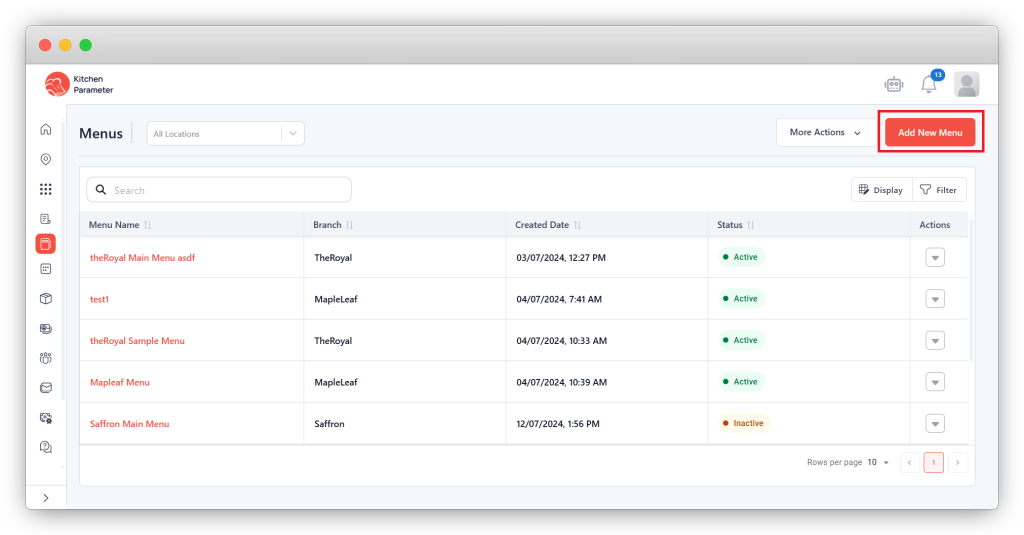
Step 2: Click on the menus inside the sidebar.
Step 3: Click on the Add menu button.
Step 4: Enter your menu name
Step 5: Select the branch
Step 6: If you want to add an image, then upload an image for the menu cover.
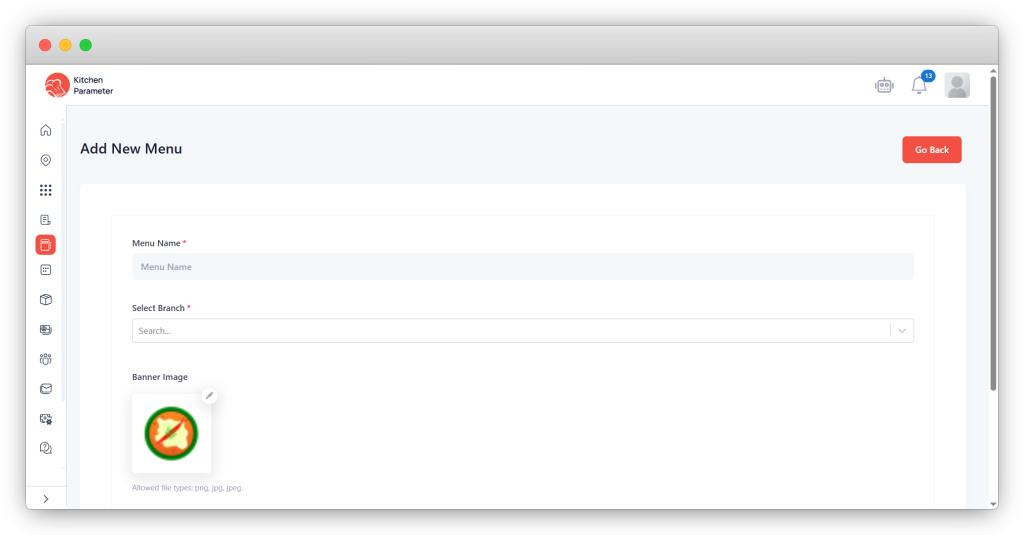
Step 7: Click on the save button to save the menu of that branch.