Step 1: Log in to the panel

Step 2: Click on the menus inside the sidebar.
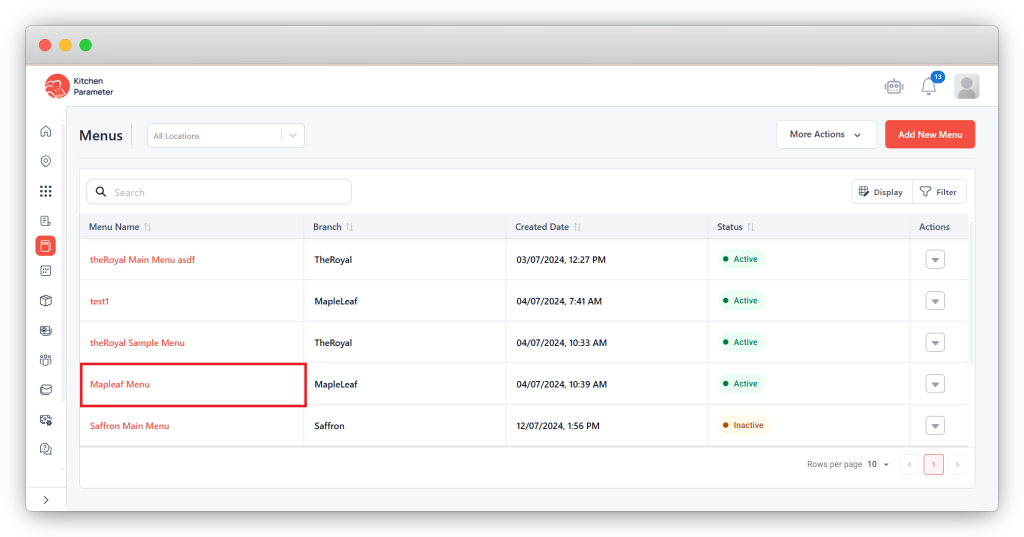
Step 3: Click on any menu name from the list of menus.
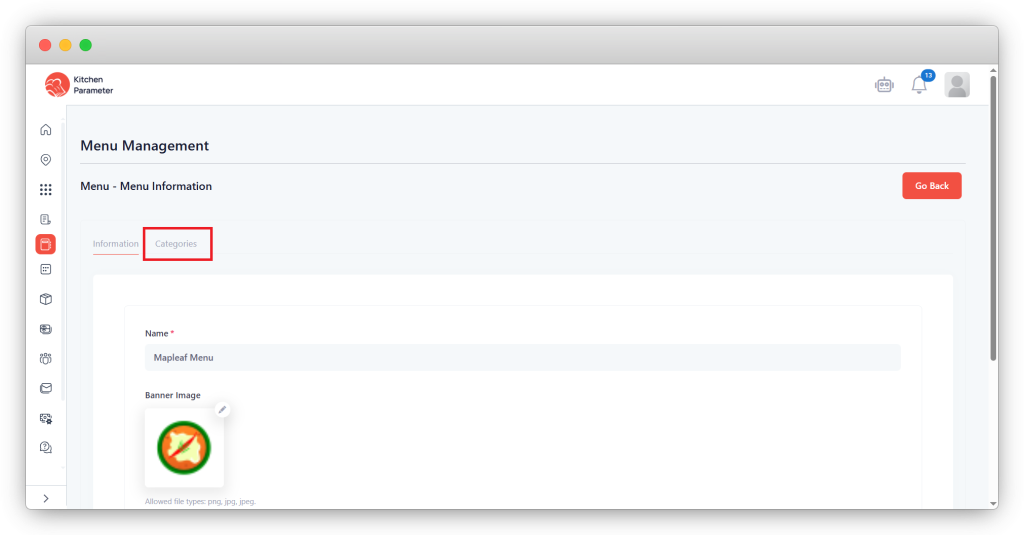
Step 4: Click on the Categories tab inside the menu
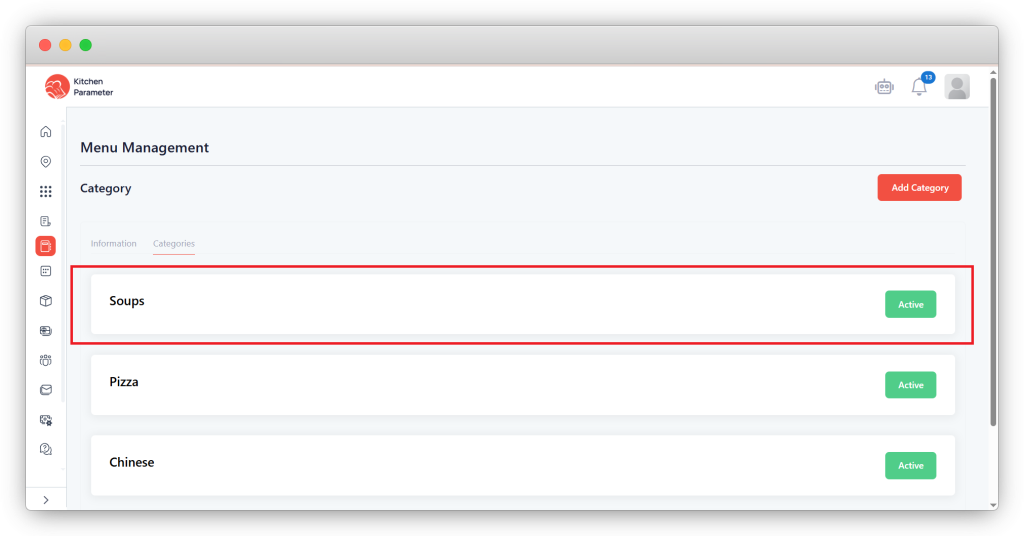
Step 5: Click on the category.
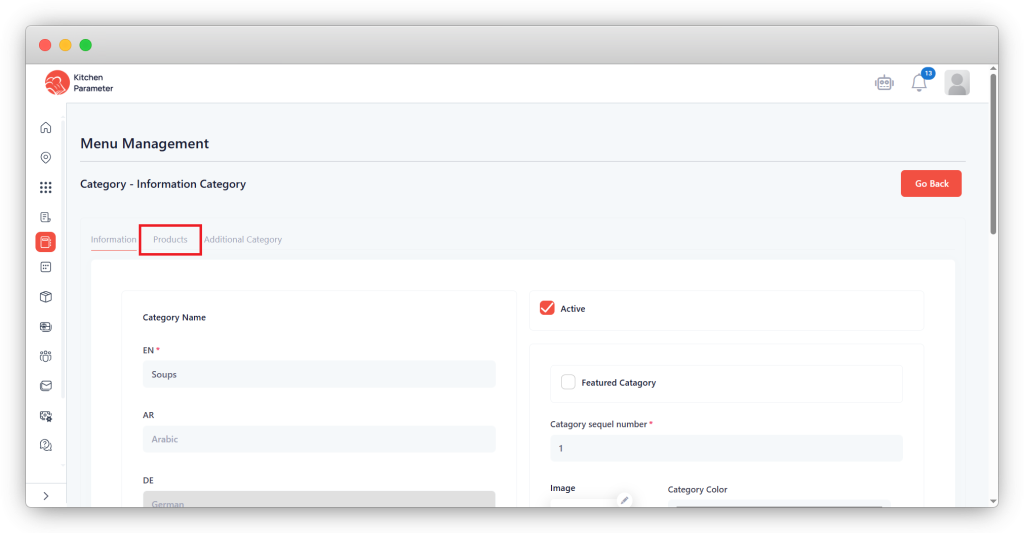
Step 6: Click on the “Products” tab.
Step 7: Click on any product name from the “Product list”.
Step 8: Scroll down till you see the “Custom Properties”.
Step 9: Select the properties from them that are needed for that product.
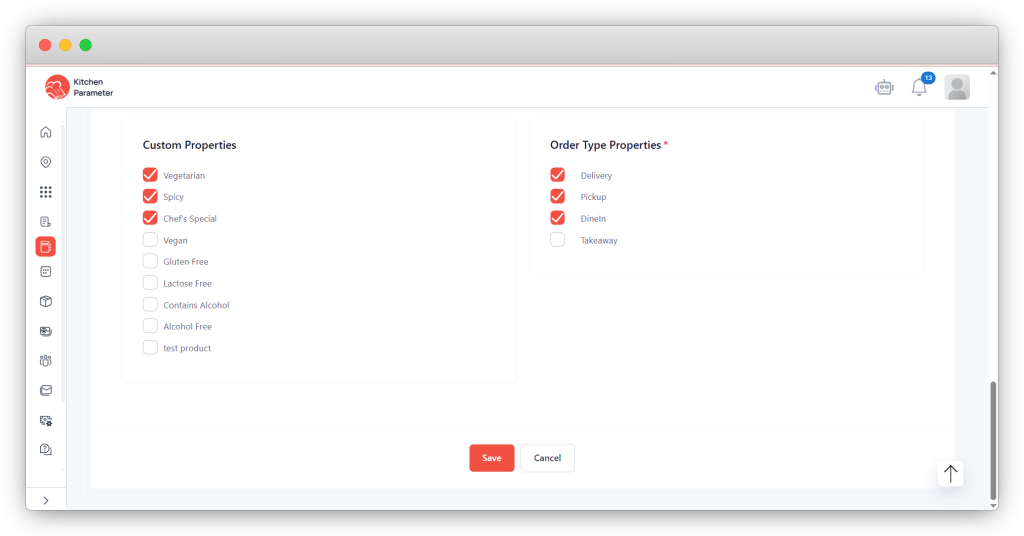
Step 10: Click on the save button.