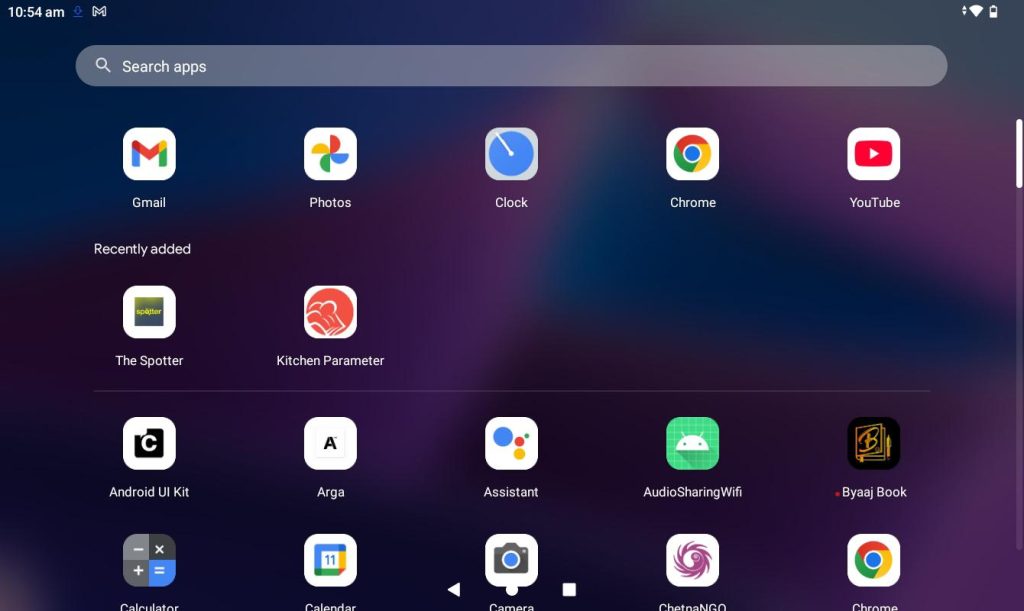
Step 1: Open the application from the Tablet.
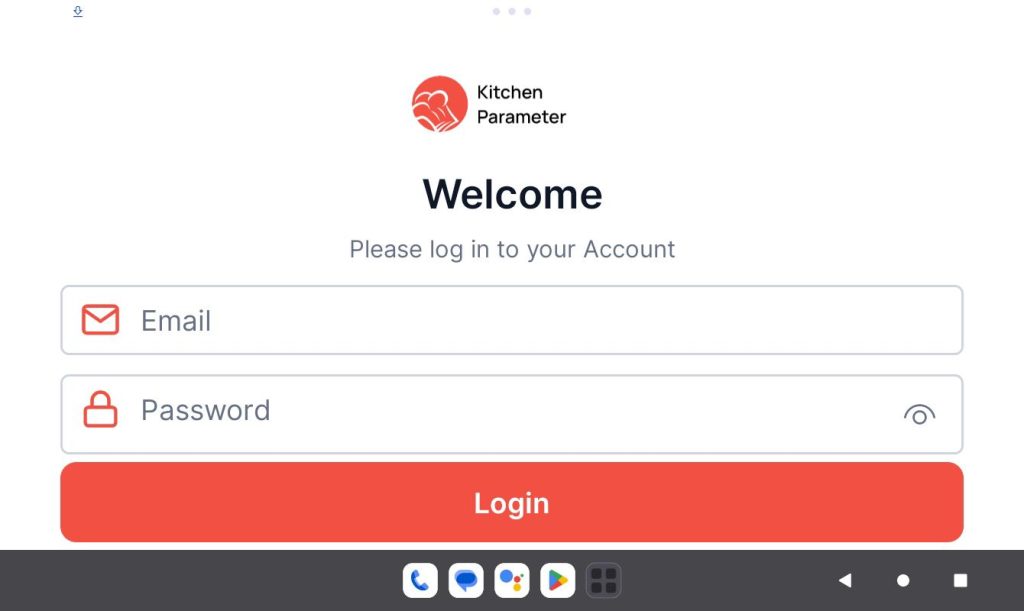
Step 2: Log in with your branch manager credentials.
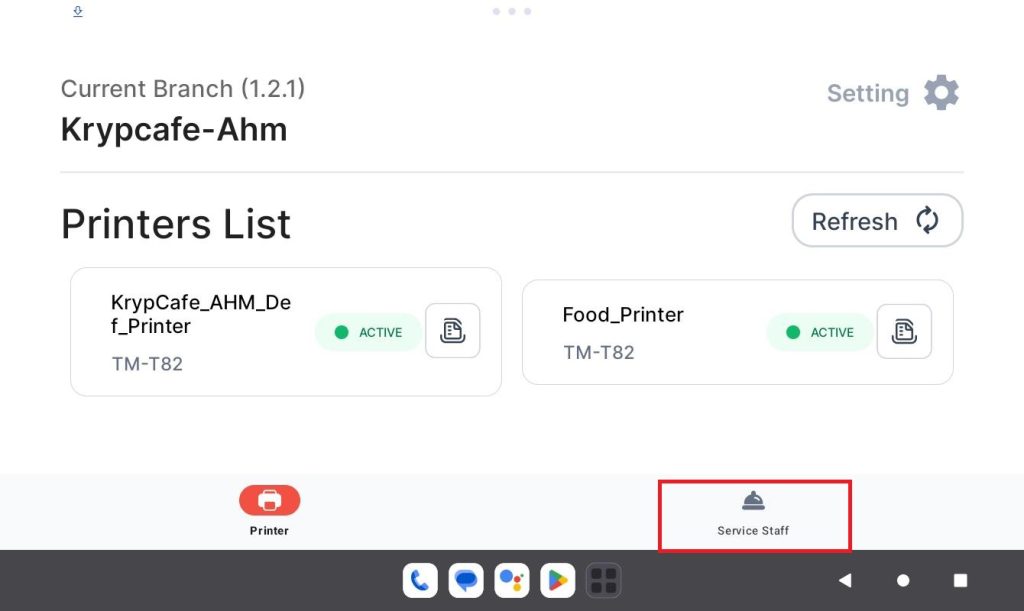
Step 3: Click on the “Service staff” tab
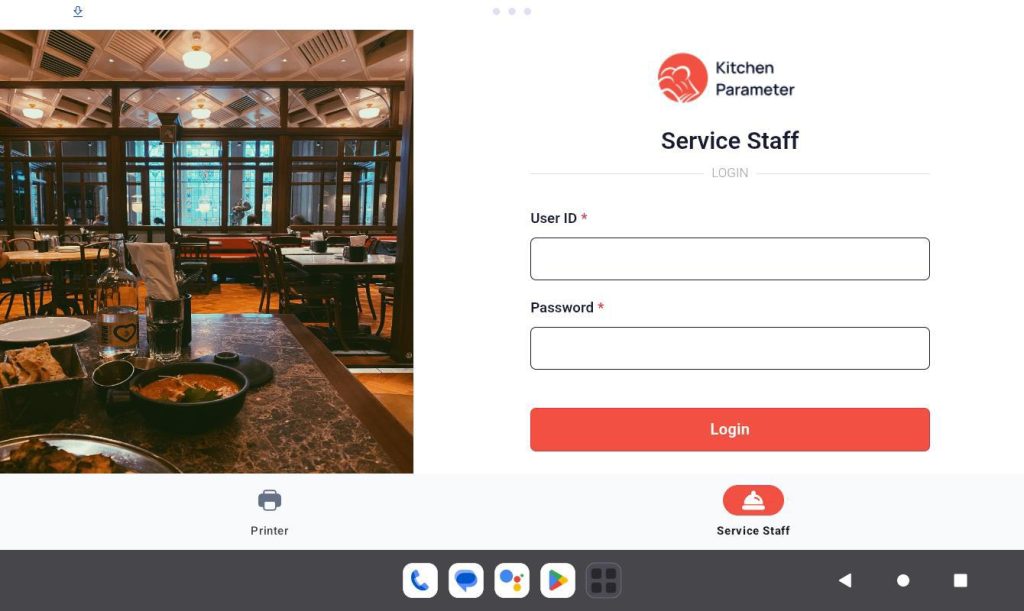
Step 4: In the login page, enter your “Staff ID” and “Code”
Step 5: Click on the login button.
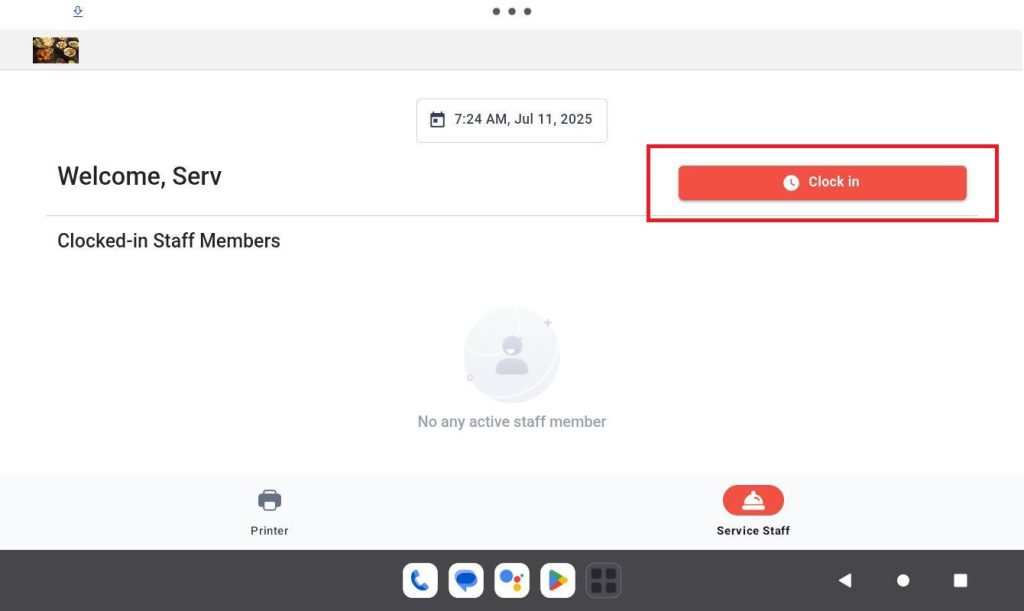
Step 6: After logging in then click on the “Clock-in” button to clock in to your shift.
Step 7: Click on any “Closed / Available” tables.
Step 8: Add the items to the cart.
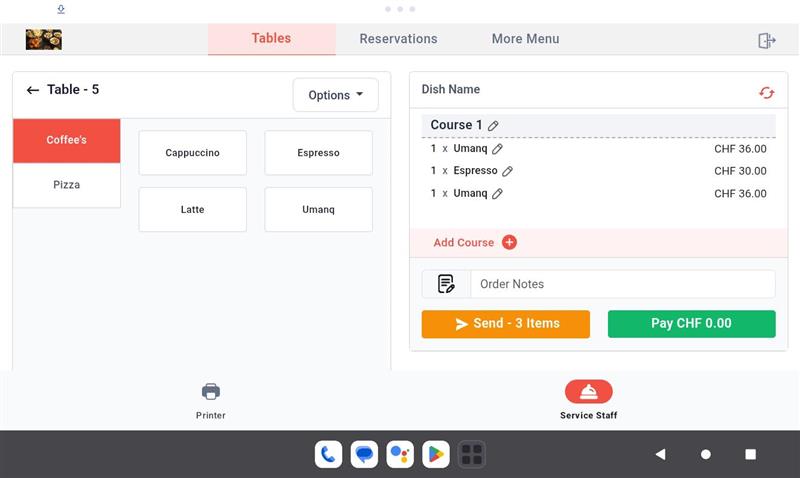
Step 6: Click on the “Edit” option in the cart level at “Product”
Step 7: Now you will find a popup in that select “Takeaway” option.
Step 8: After selecting the “Takeaway” option, click on the “Edit” button.
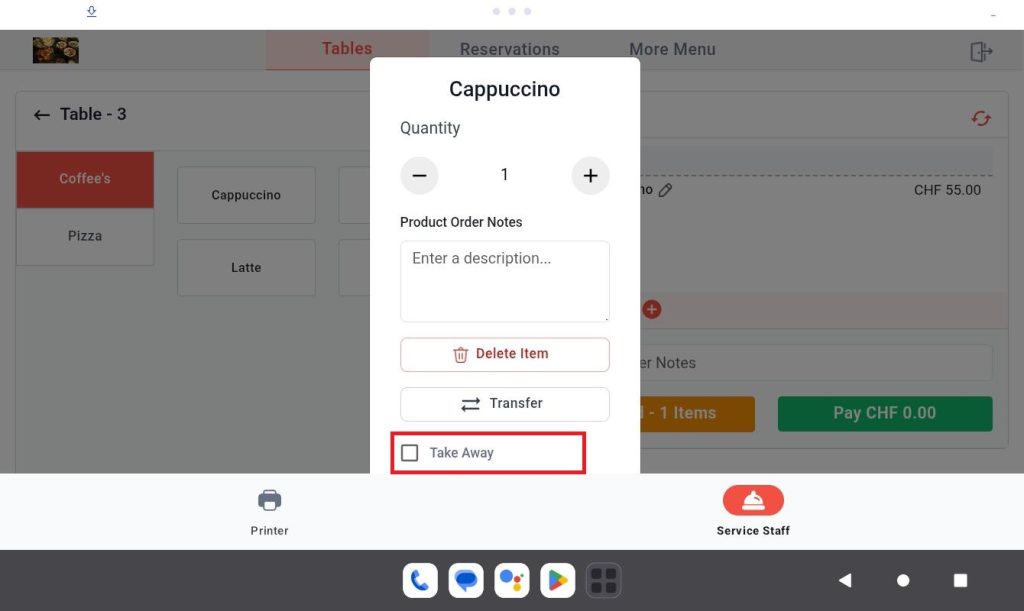
Finally, you mark the item as Takeaway.