Step 1: Register in the worldline-saferpay
Step 2: Get the
- Customer Id
- Terminal Id
- Auth Token
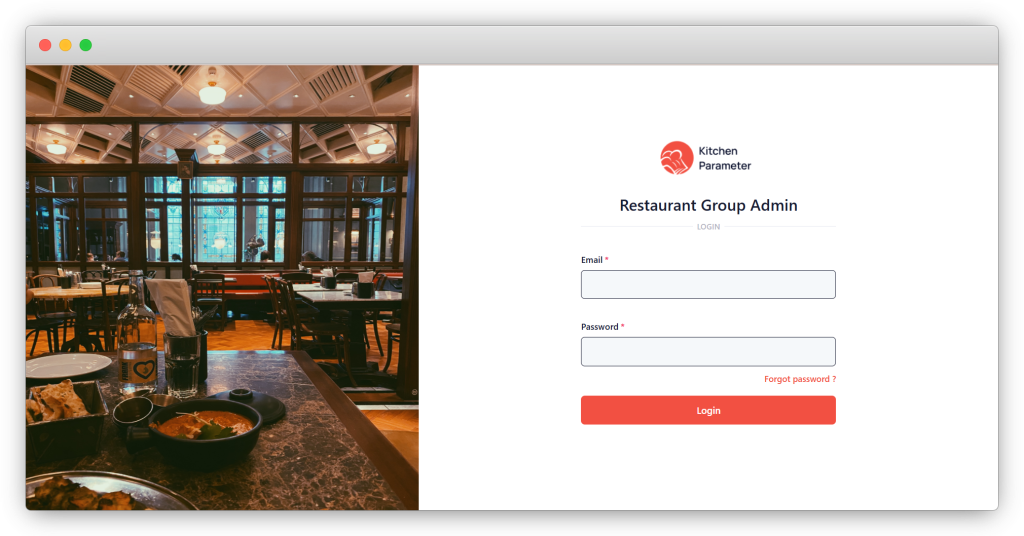
Step 3: Log in to the group admin
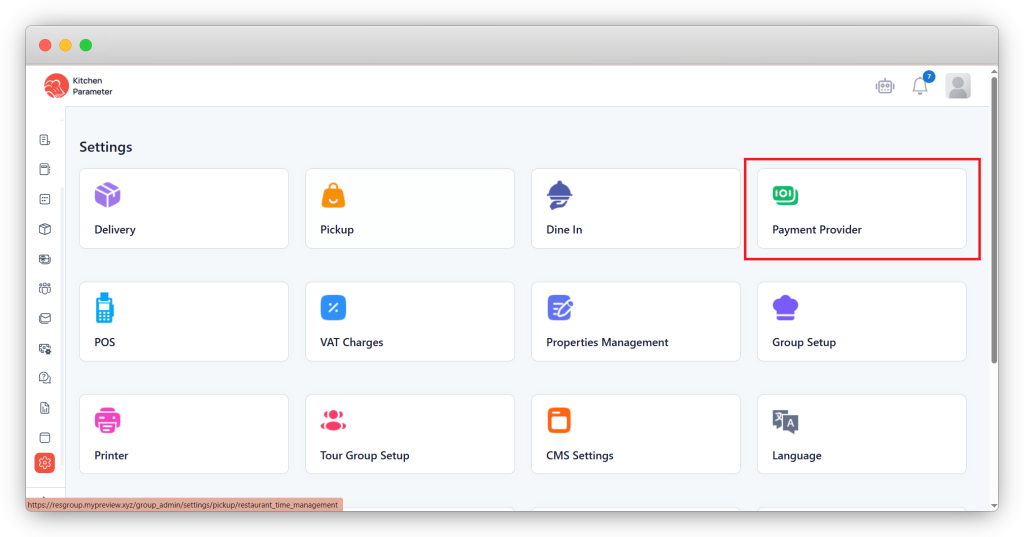
Step 4: Click on the “Settings” inside the sidebar
Step 5: Click on the “Payment provider” option inside the settings
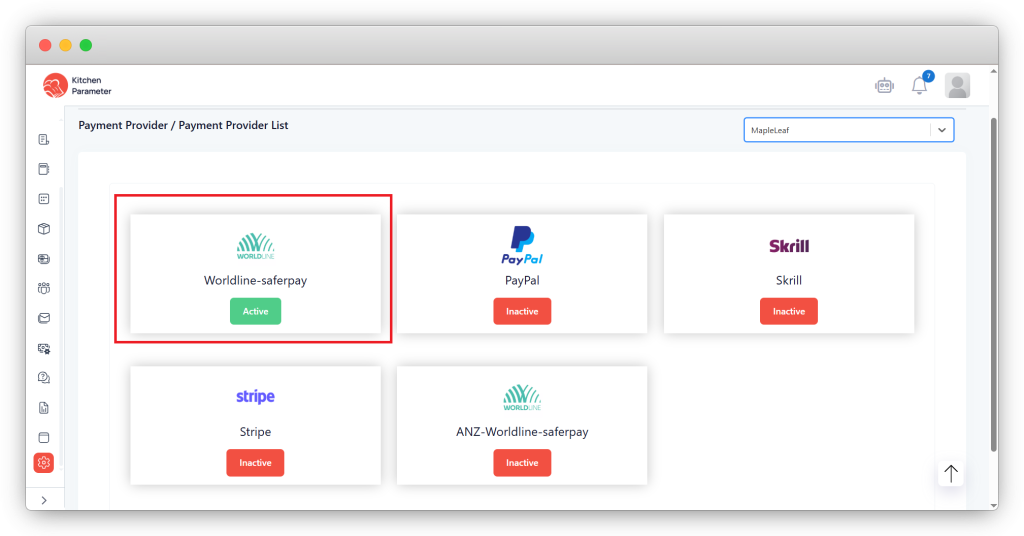
Step 6: Select the branch from the branch drop-down.
Step 7: Click on the “Active” payment option.
Step 8: Enter the details you got on Step 2
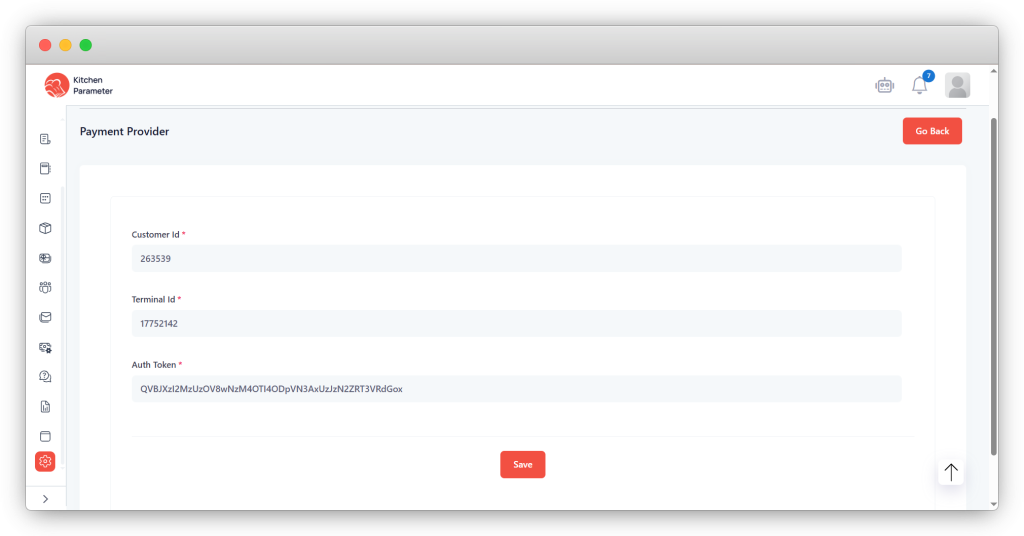
Step 9: Click on the “Save” button.
Step 10 After saving, go to “Dine In or Delivery or Pickup” in the settings found on the Step 6 page.
Step 11: Click on the “Settings” bar.
Step 12: Enable the “Online payment” option inside the settings
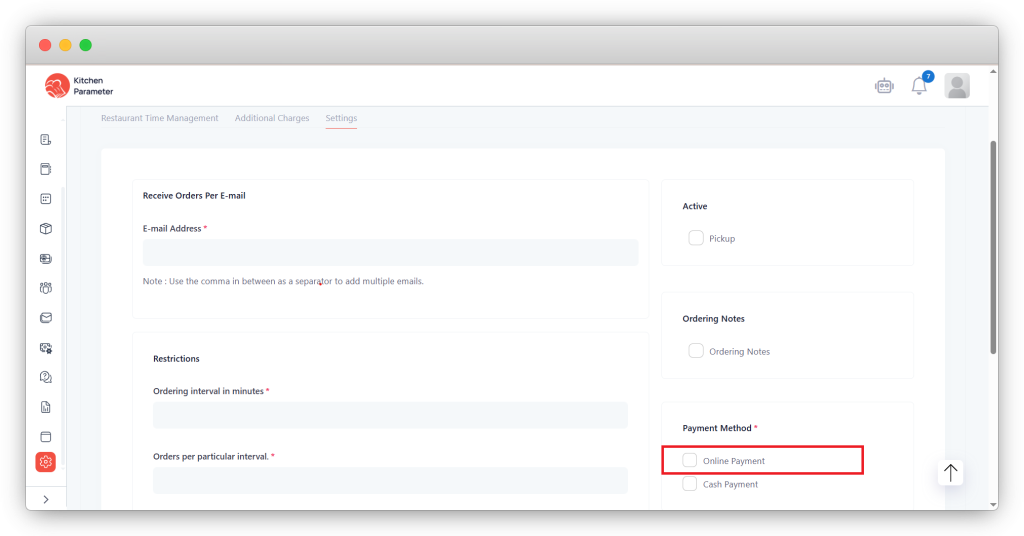
Step 13: Click on the save button.