Step 1: Login to your panel with your credentials.

Enter your login email and password and click on the login button.
Step 2: After logging in successfully, click on the settings option from the sidebar.
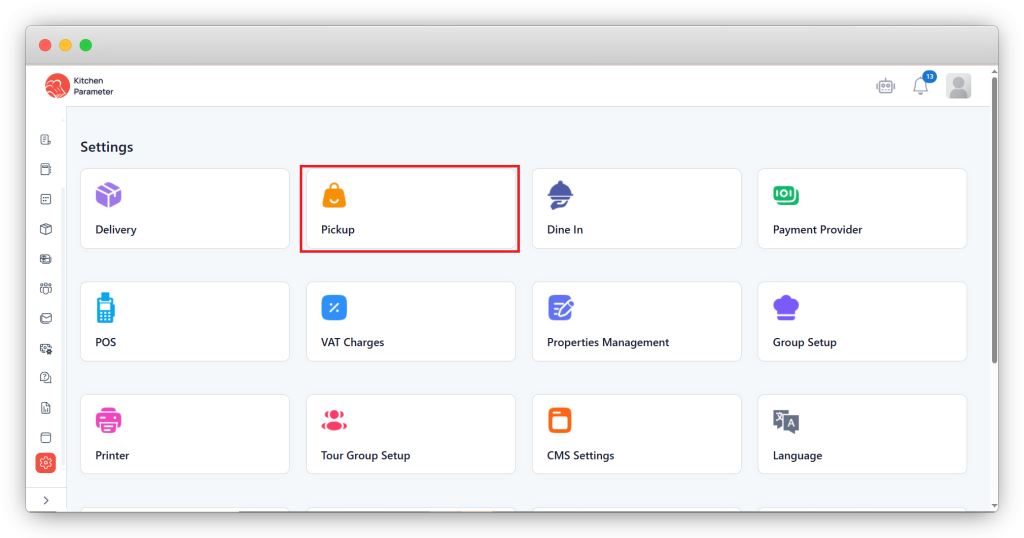
Step 3: Inside the settings, click on the Pick up option.
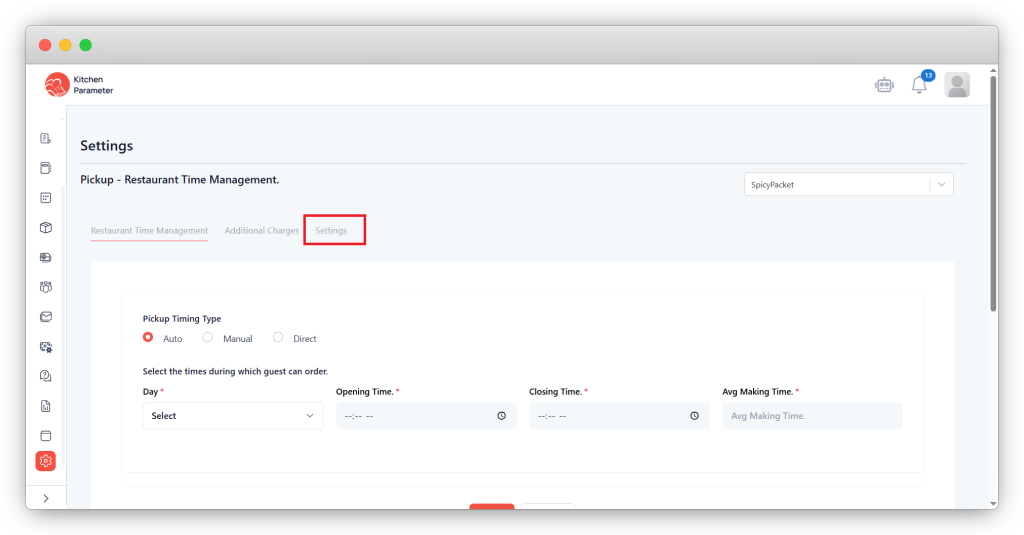
Step 4: Click on the “Settings” tab inside the Pickup.
Step 5: Under the “Settings,” you will see the options inside the Payment Methods
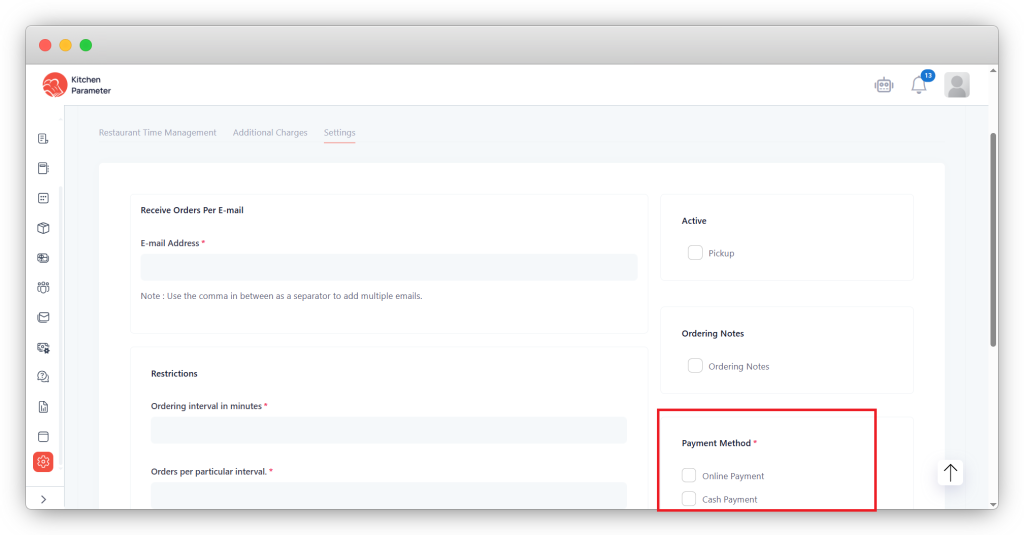
- Online payment – To give the customer the online payment option for pickup.
- Cash payment – To give the customer the cash payment option for pickup.